The Hidden Cost of Sending Your Code to the Cloud
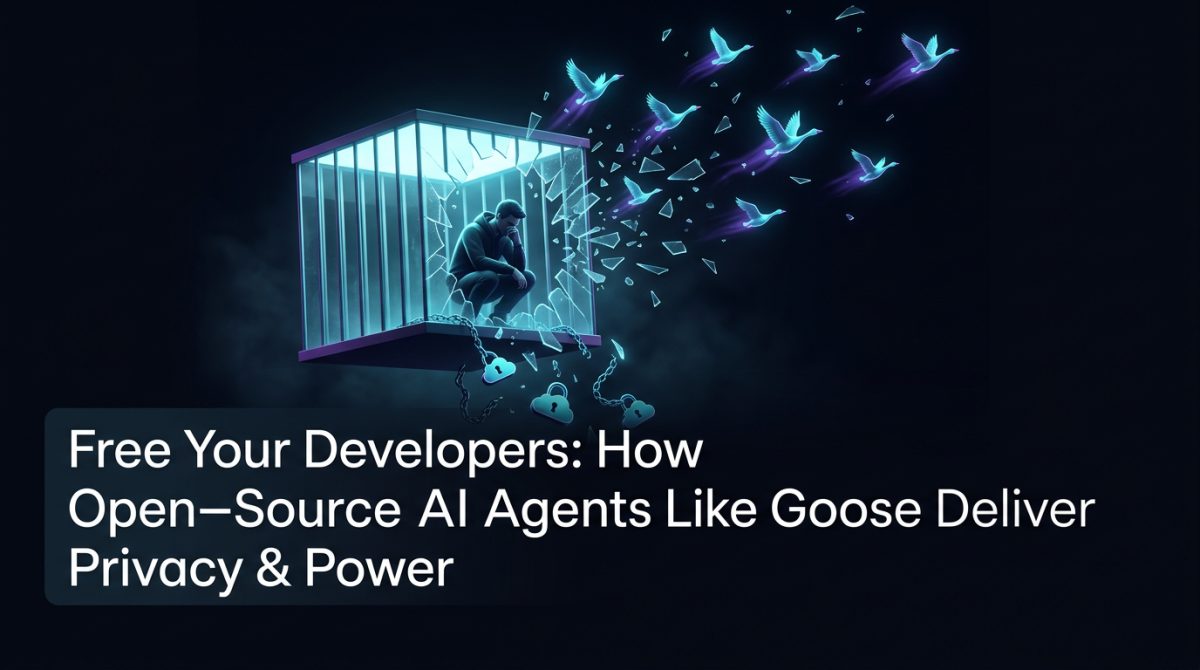
Every time a developer pastes a function into a hosted AI assistant, something leaves your network. It might be a database schema, a proprietary algorithm, an API key sitting in a comment, or a snippet of logic that represents months of competitive advantage. Most teams don't track this. Most security policies don't explicitly cover it. And most AI productivity tools are built on a business model that requires exactly this kind of data exchange.
This isn't a hypothetical risk. It's the operational reality of how most AI coding tools work today. The convenience is real, but so is the exposure.
The good news is that a different architecture is now practical for most development teams. Open-source AI agents running locally - or on infrastructure you control - can deliver comparable productivity gains without routing your intellectual property through someone else's servers. Tools like Goose, the open-source AI agent from Block, are making this approach accessible without requiring a dedicated ML engineering team to set it up.
What Open-Source AI Agents Actually Do Differently
The term "AI agent" gets used loosely, so it's worth being precise. An AI agent isn't just a chatbot that answers questions. It's a system that can take actions: read and write files, execute commands, call APIs, run tests, and chain multiple steps together to complete a task with minimal hand-holding.
Goose, for example, operates as a local agent that connects to your development environment. It can:
- Read your codebase and understand context across multiple files
- Write and execute code directly in your terminal
- Run shell commands, interact with your file system, and call external tools
- Use a configurable set of "extensions" to connect to services like GitHub, Jira, or your internal APIs
The critical difference from hosted tools is where the inference happens. When you configure Goose to use a local LLM - such as a model running via Ollama - your code never leaves the machine. When you configure it to use a self-hosted model on your own cloud infrastructure, you control the endpoint, the logging, and the data retention.
This isn't just about privacy. It's about control over your own development pipeline.
Setting Up a Privacy-First Agent Stack
Getting a local agent stack running is more straightforward than most teams expect. Here's a practical starting point using Goose with Ollama on a developer workstation:
Step 1: Install Ollama and pull a capable model
# Install Ollama (macOS/Linux)
curl -fsSL https://ollama.com/install.sh | sh

# Pull a code-capable model
ollama pull qwen2.5-coder:32b
The qwen2.5-coder:32b model performs well on coding tasks and runs comfortably on a machine with 32GB of RAM and a modern GPU. For teams without capable local hardware, the same model can be self-hosted on a single A10 or A100 instance in your own AWS or Azure tenancy.
Step 2: Install and configure Goose
# Install via pip
pip install goose-ai

# Configure to use your local Ollama endpoint
goose configure
# Select provider: ollama
# Model: qwen2.5-coder:32b
# Endpoint: http://localhost:11434
Step 3: Define your extensions
Goose uses a YAML-based extension configuration. A minimal setup for a Python project might look like:
extensions:
  - name: developer
    type: builtin
  - name: github
    type: builtin
    config:
      token: "${GITHUB_TOKEN}"
From here, a developer can open a terminal, run goose session, and start delegating tasks: refactoring a module, writing unit tests, debugging a failing CI step, or generating documentation from existing code.
This entire stack - model, agent, extensions - runs on infrastructure you own. No data leaves without your explicit configuration.
Real-World Scenario: Refactoring Without the Risk
Consider a mid-sized fintech company with a Django monolith that's been in production for six years. The team wants to extract a payments module into a standalone service, but the codebase is dense, the documentation is sparse, and the senior engineers who built it have moved on.
Using a hosted AI tool for this task would mean uploading significant portions of the payments logic - including transaction handling, reconciliation rules, and potentially PII-adjacent data structures - to an external service. For a company operating under Australian Privacy Act obligations and APRA guidelines, this creates real compliance exposure.
With a local open-source AI agent setup, the workflow looks like this:
- A developer opens a Goose session pointed at the monolith directory
- They ask Goose to map the dependencies of the payments module across the codebase
- Goose reads the relevant files locally, traces imports, and produces a dependency graph
- The developer iterates: "Now generate a migration plan that extracts these components without breaking the existing API contracts"
- Goose drafts the plan, writes stub files, and generates a test harness - all locally
The sensitive code stays on the developer's machine or your internal network throughout. The productivity benefit is real; the compliance risk is managed.
Comparing Local vs Hosted: Making the Right Call
Not every team or task warrants a fully local setup. Here's a practical framework for deciding:
Use local open-source AI agents when:
- Your codebase contains proprietary algorithms, trade secrets, or competitive logic
- You're working with data that falls under Australian Privacy Act, APRA, or industry-specific regulation
- You need predictable, zero-marginal-cost inference for high-volume automation tasks
- Your team has the hardware or cloud infrastructure to run capable models
Consider hosted AI coding tools when:
- Your codebase is already public or open source
- You need the absolute frontier of model capability and latency isn't a concern
- Your team is small and setup overhead is a genuine constraint
- You've reviewed and accepted the provider's data handling terms
The cost-effective AI argument is worth examining carefully. Hosted tools often look cheap per seat but become expensive at scale. A team of 20 developers using a hosted assistant at $20-40 per seat per month is spending $400-800 monthly, with usage caps and no guarantee of data isolation. A self-hosted model on a single GPU instance might cost $300-600 per month with unlimited usage across the entire team and full control over the environment.
At scale, the economics shift further in favour of local and self-hosted approaches.
Developer Productivity Without the Tradeoffs
One concern teams raise when considering local models is capability. Will a locally-run model actually keep up with what developers need?
For most day-to-day coding tasks, the honest answer is yes. The gap between frontier hosted models and capable open-source alternatives has narrowed substantially over the past 18 months. Models like Qwen 2.5 Coder, DeepSeek-Coder-V2, and Code Llama perform well on:
- Code completion and generation within a known codebase
- Writing and debugging unit and integration tests
- Refactoring and code review tasks
- Generating boilerplate, documentation, and configuration files
- Explaining unfamiliar code sections
Where hosted models still hold an edge is on novel reasoning tasks, very long context windows, and tasks requiring broad world knowledge. For most of what developers actually spend their time on, local models are more than adequate.
The agent layer - the part that Goose provides - often matters more than raw model capability anyway. A well-configured agent that can read your actual files, run your actual tests, and interact with your actual tools is more useful than a smarter model that only sees what you paste into a chat window.
Developer productivity gains from agentic workflows come from reducing context-switching and manual orchestration, not just from faster autocomplete. When an agent can take a task like "fix the failing tests in the authentication module and open a PR" and execute it end-to-end, developers get back time for work that actually requires human judgement.
What to Do Next
If you're running a development team and haven't evaluated local open-source AI agents yet, here's a concrete starting point:
-
Audit your current AI tool usage. Find out which tools your developers are using, what data they're sending, and whether your security and privacy policies actually cover it. You may find the answer is more permissive than you'd like.
-
Run a two-week pilot with Goose and Ollama. Pick two or three developers, a non-critical project, and a capable local model. Measure the tasks they delegate, the time saved, and any friction points. The setup time is measured in hours, not weeks.
-
Evaluate your infrastructure options. If local hardware is limited, price out a self-hosted GPU instance in your existing cloud tenancy. For most teams, the economics are better than they expect.
-
Define your data handling policy for AI tools. Decide explicitly what categories of code and data can go to hosted services, what must stay local, and how you'll enforce it. Having the policy written down is the starting point for actually following it.
-
Talk to us. At Exponential Tech, we help Australian businesses deploy AI systems that are practical, compliant, and built on infrastructure they control. If you want an honest assessment of what a local agent stack would look like for your team - including the tradeoffs - get in touch.
The tools to run capable AI agents on your own infrastructure exist today. The question is whether your team is set up to use them.
Frequently Asked Questions
Q: What makes open-source AI agents like Goose different from hosted AI coding tools?
Open-source AI agents run locally or on infrastructure you control, meaning your code and data never leave your network. Unlike hosted tools, they can take real actions - reading and writing files, executing commands, and chaining tasks - without routing your intellectual property through a third-party server.
Q: Is a locally-run AI model capable enough for real development work?
For most day-to-day coding tasks, yes. Models like Qwen 2.5 Coder and DeepSeek-Coder-V2 perform well on code generation, refactoring, writing tests, and explaining unfamiliar code. The gap between local open-source models and frontier hosted models has narrowed substantially over the past 18 months.
Q: How do local AI agents help with Australian privacy and compliance obligations?
By keeping code and data on your own infrastructure, local agents help teams meet obligations under the Australian Privacy Act and APRA guidelines. Sensitive logic, PII-adjacent data structures, and proprietary algorithms never leave your network, reducing compliance exposure significantly.
Q: Are local open-source AI agent setups cost-effective compared to hosted tools?
At scale, self-hosted setups are often more economical. A team of 20 developers paying $20-40 per seat monthly for a hosted tool spends $400-800 per month with usage caps, whereas a self-hosted GPU instance may cost $300-600 per month with unlimited usage and full data control.