The Real Cost of Manual Workflows Is Hiding in Plain Sight
Most Australian businesses aren't losing money to bad strategy - they're losing it to repetitive, manual work that nobody has stopped to question. A staff member copies data from an email into a CRM. Someone else exports a report, reformats it, and emails it to three managers. A support ticket sits unassigned for four hours because the routing logic lives in someone's head. These aren't edge cases; they're the daily operational reality for thousands of Australian organisations.
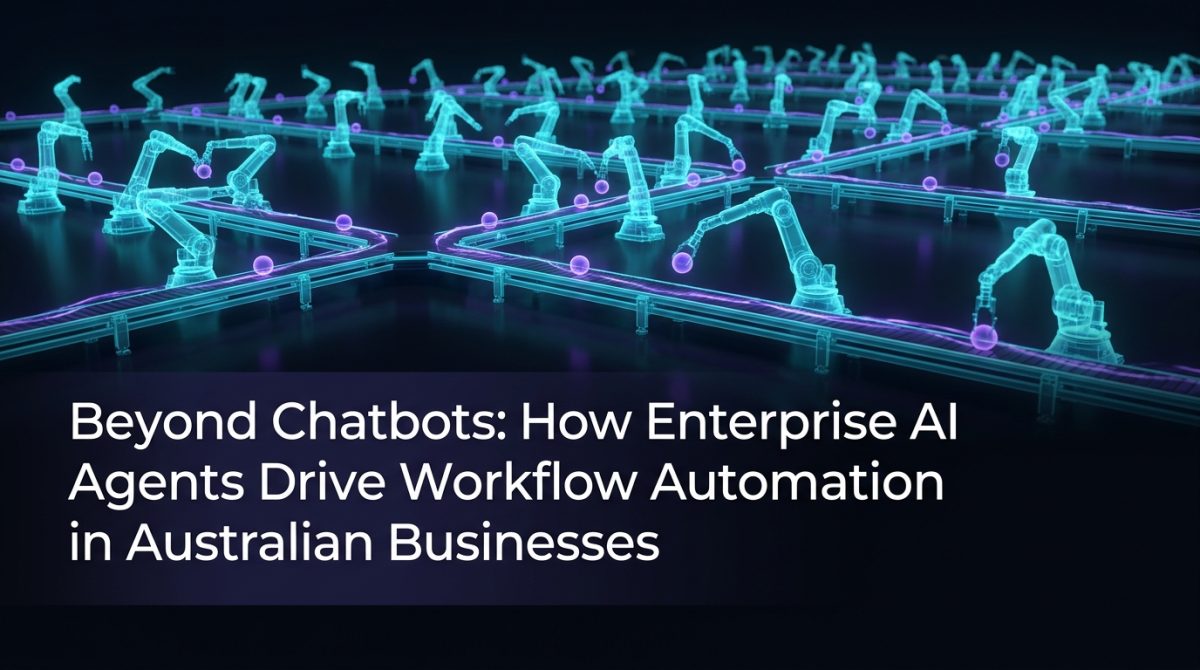
AI workflow automation Australia-wide is changing this calculus. Not through chatbots that answer FAQs, but through enterprise AI agents that sit inside your actual business processes - reading inputs, making decisions, triggering actions, and handing off to humans only when genuine judgement is required. This article explains what that looks like in practice, which tools make it possible, and how to start building it.
What Enterprise AI Agents Actually Are
Enterprise AI agents are software systems that combine large language model (LLM) reasoning with the ability to take actions - calling APIs, reading databases, sending messages, updating records, and triggering downstream processes. Unlike a chatbot, which responds to a prompt and stops, an agent operates across a sequence of steps, evaluating intermediate results and adjusting its behaviour accordingly.
An enterprise AI agent is a goal-directed software system that uses an LLM to reason about a task and executes multi-step workflows by interacting with external tools, APIs, and data sources - without requiring human intervention at each step.
The distinction matters operationally. A chatbot tells a customer their order status. An agent checks the order status, identifies a delay, cross-references the customer's tier, drafts a personalised apology with a discount code, sends it via the preferred channel, logs the interaction in the CRM, and flags the supplier delay for the operations team - all without a human touching it.
This is the category of capability that makes AI workflow automation in Australia genuinely transformative rather than cosmetically useful.
The Tool Stack That Makes This Work
Building reliable AI agents requires combining several components. The following tools appear consistently in production deployments across Australian businesses.
n8n is an open-source workflow automation platform that functions as the connective tissue between systems. n8n automation allows you to build visual workflows that trigger on events (a new Salesforce lead, an incoming email, a form submission), process data through code nodes or AI nodes, and push outputs to any connected system. It supports over 400 integrations and can be self-hosted for data sovereignty - a genuine concern for Australian businesses operating under the Privacy Act.
Slack becomes a control surface when you add a Slackbot AI layer. A well-configured Slackbot AI doesn't just answer questions - it accepts structured commands, triggers n8n workflows, returns formatted results, and escalates to humans when confidence thresholds aren't met. For internal operations teams, this turns Slack into an operational command interface rather than just a messaging tool.
LLM APIs (OpenAI, Anthropic, or locally hosted models via Ollama) provide the reasoning layer. These sit inside n8n workflows as processing nodes, classifying inputs, extracting structured data from unstructured text, generating drafts, or making routing decisions.
A basic agent architecture looks like this:
Trigger (webhook / schedule / Slack command)
  → Input parsing (LLM node: extract intent + entities)
  → Decision branch (route based on classification)
  → Action execution (API calls, database writes, email sends)
  → Output formatting (LLM node: generate human-readable summary)
  → Notification (Slack message / email / CRM update)
  → Logging (append to audit trail)
This architecture handles the majority of business process automation use cases without requiring custom software development.
How to Build Your First AI Agent: A Practical Starting Point
Building an enterprise AI agent follows a repeatable process. These five steps apply whether you're automating a finance workflow, a support queue, or a sales process.
-
Map the current process end-to-end. Document every step, every system touched, and every decision point. Identify which decisions require genuine human judgement and which follow consistent rules.
-
Identify the trigger. Every agent needs a clear starting condition - an inbound email, a form submission, a scheduled time, a database change, or a Slack command. Define this precisely before building anything.
-
Define the decision logic. Write out the branching conditions in plain language. "If the invoice amount is over $10,000, route to the CFO. If the vendor is on the approved list and the amount is under $10,000, approve automatically." This logic becomes your LLM prompt or your workflow branch conditions.
-
Build the integration layer in n8n. Connect your trigger source to your action targets. Test each connection independently before chaining them. Use n8n's built-in error handling to catch failures and route them to a human review queue rather than silently dropping them.
-
Add the LLM reasoning node only where rules aren't sufficient. LLMs add latency and cost. Use them for classification, extraction, and generation tasks - not for simple conditional logic that a standard if/else branch handles faster and cheaper.
Organisations that follow this process typically automate their first workflow within two to three weeks and see measurable time savings within the first month.
A Real-World Scenario: Automating Client Onboarding
Consider a mid-sized Brisbane professional services firm handling 30-40 new client onboardings per month. The existing process involved a coordinator manually collecting documents via email, checking them against a compliance checklist, creating records in three separate systems, and sending a welcome sequence - a process taking approximately 3.5 hours per client.
After implementing an AI workflow automation pipeline, the process now runs as follows:
- A client submits documents via a web form connected to n8n
- An LLM node classifies each document type and checks for completeness against the required list
- Complete submissions trigger automatic record creation in the CRM, project management tool, and billing system via API
- Incomplete submissions trigger a Slackbot AI notification to the coordinator with a specific list of what's missing, plus an automated email to the client requesting the outstanding items
- The coordinator reviews only the exceptions - roughly 20% of submissions - rather than processing every case manually
The result: average coordinator time per onboarding dropped from 3.5 hours to 40 minutes. The firm now handles 60% more onboardings with the same headcount. Business process automation at this level doesn't replace the coordinator - it removes the mechanical work so they can focus on client relationships and exceptions that genuinely need human attention.
Where Australian Businesses Get This Wrong
The most common failure mode in AI automation Australia deployments isn't technical - it's scope. Teams try to automate an entire department in one project, encounter complexity mid-build, and abandon the initiative before anything reaches production.
Three specific mistakes appear repeatedly:
- Automating before documenting. If you can't describe the current process in writing, you can't automate it reliably. Ambiguous processes produce ambiguous automations that fail in unpredictable ways.
- Using LLMs for deterministic tasks. If the logic is a lookup table or a simple conditional, use a lookup table or a simple conditional. LLMs introduce variability where you need consistency.
- Skipping error handling. Production workflows encounter malformed inputs, API timeouts, and rate limits. Every workflow needs explicit failure paths that route problems to a human rather than silently dropping them.
Organisations that treat their first automation as a learning exercise - keeping scope tight, measuring outcomes, and iterating - consistently outperform those that treat it as a large-scale transformation project.
If you're mapping out where AI can reduce operational overhead across your business, working through an AI strategy engagement before building gives you a prioritised backlog rather than a list of guesses.
Frequently Asked Questions
Q: What is AI workflow automation and how does it differ from traditional automation?
AI workflow automation refers to the use of AI agents - systems that combine LLM reasoning with API integrations - to execute multi-step business processes without human intervention at each step. Traditional automation follows fixed rules and breaks when inputs vary; AI workflow automation handles unstructured inputs, makes classification decisions, and adapts to variation while still following defined business logic.
Q: What tools do Australian businesses use for enterprise AI agents?
The most common production stack for enterprise AI agents in Australian businesses combines n8n for workflow orchestration, OpenAI or Anthropic APIs for LLM reasoning, and Slack for human-in-the-loop notifications and commands. This stack supports self-hosting for data sovereignty compliance under Australian privacy law.
Q: How long does it take to automate a business process with AI agents?
A well-scoped single-process automation - one trigger, one decision layer, two to three integrated systems - typically takes two to four weeks from requirements to production. Organisations with existing API access to their core systems and a documented process map move faster than those starting from scratch.
Q: Is AI workflow automation suitable for small and mid-sized Australian businesses?
Yes. The tooling required - n8n, LLM APIs, and standard SaaS integrations - is accessible at a cost point that makes sense for businesses processing as few as 20-30 repetitive transactions per week. The return on investment threshold is low because the labour cost of manual processing is high relative to the infrastructure cost of automation.
What to Do Next
If you're running manual processes that follow consistent patterns, you have automation candidates sitting in your operations right now. The practical starting point is a process audit: list every task your team performs more than ten times per week, estimate the time cost, and identify which ones follow rules that could be written down.
From there, the path to a working AI agent is shorter than most businesses expect. Exponential Tech builds AI workflow automation pipelines for Australian businesses across finance, operations, client services, and sales - using the same n8n and LLM stack described in this article, configured to your systems and your data environment.
If you want to understand the ROI before committing to a build, use our AI ROI calculator to model the time and cost savings against your current process volumes. Bring a specific process to the conversation and you'll leave with a concrete answer.